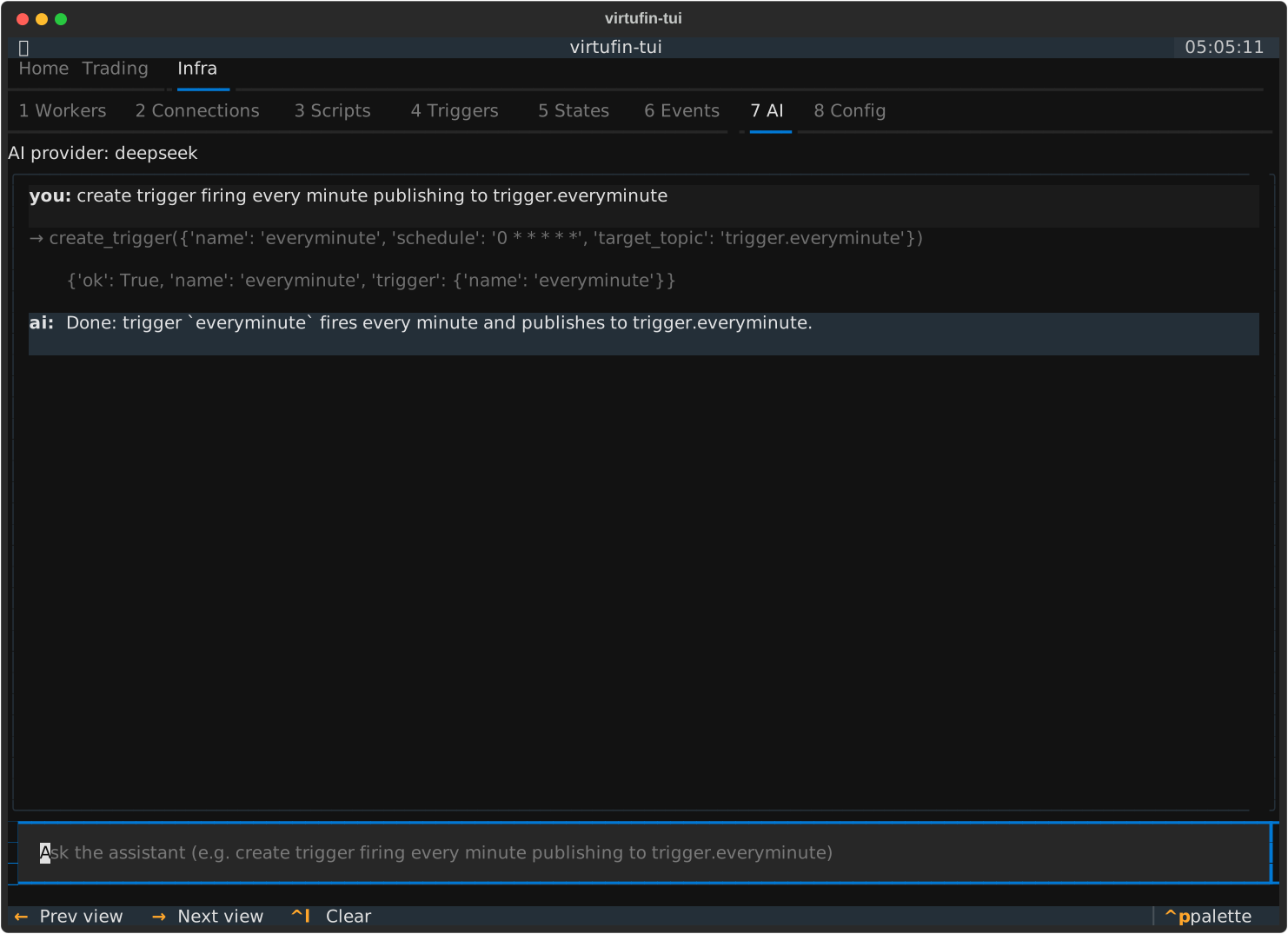
Screenshots
A visual tour of the built-in tabs and panes, rendered from a live context by
scripts/docs_screenshot_panes.py (scripts/docs_screenshot_ai.py for the AI tab). See
Keybindings for what each key does on each pane, and
Architecture for how the tab layout works.
The images were taken before 0.56.0, so their tab bars show the older layout (a World pane under Trading; Scripts and the contexts table, then the Config pane, under Infra). The current default layout is on the home page.
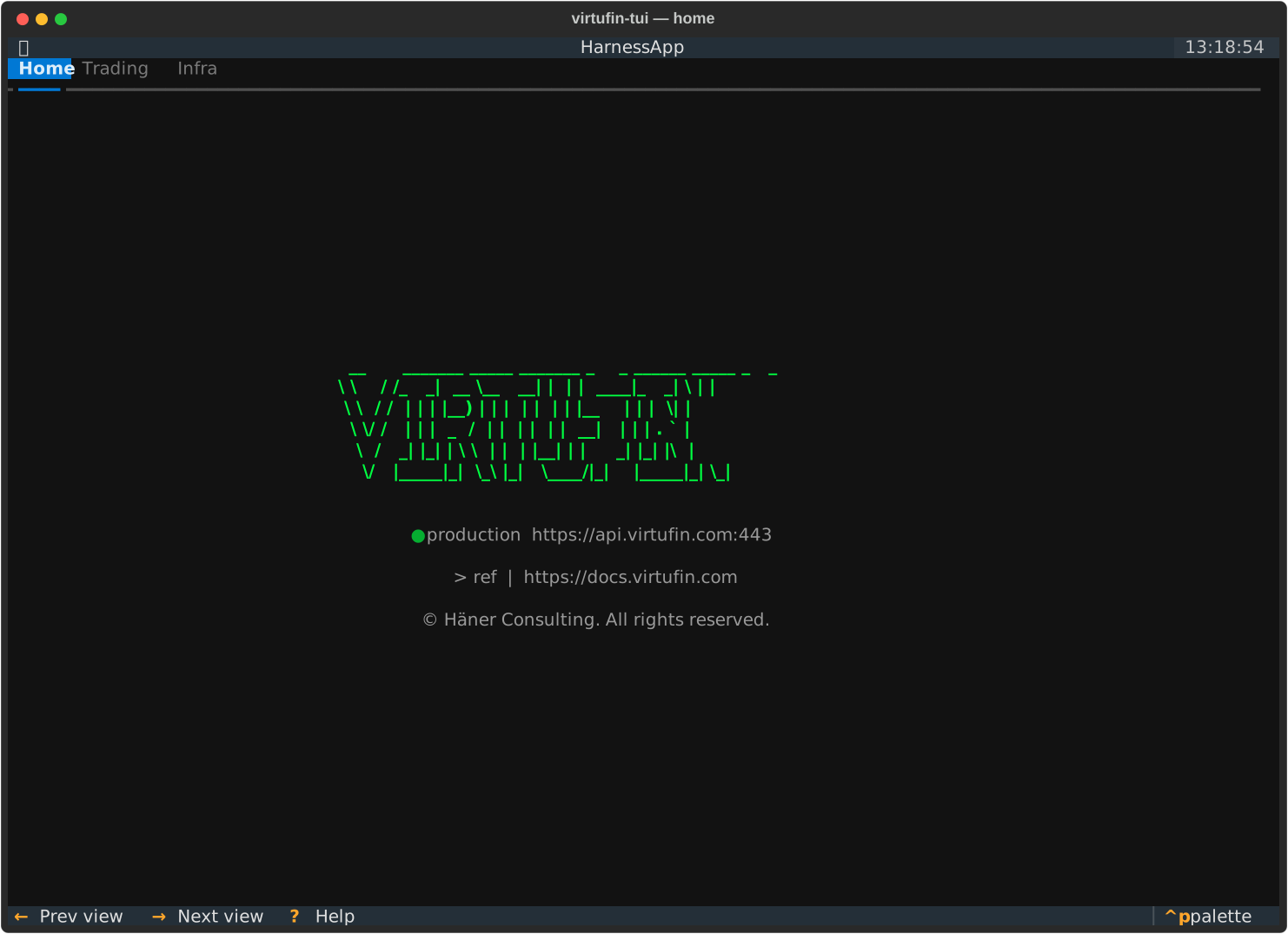
Home
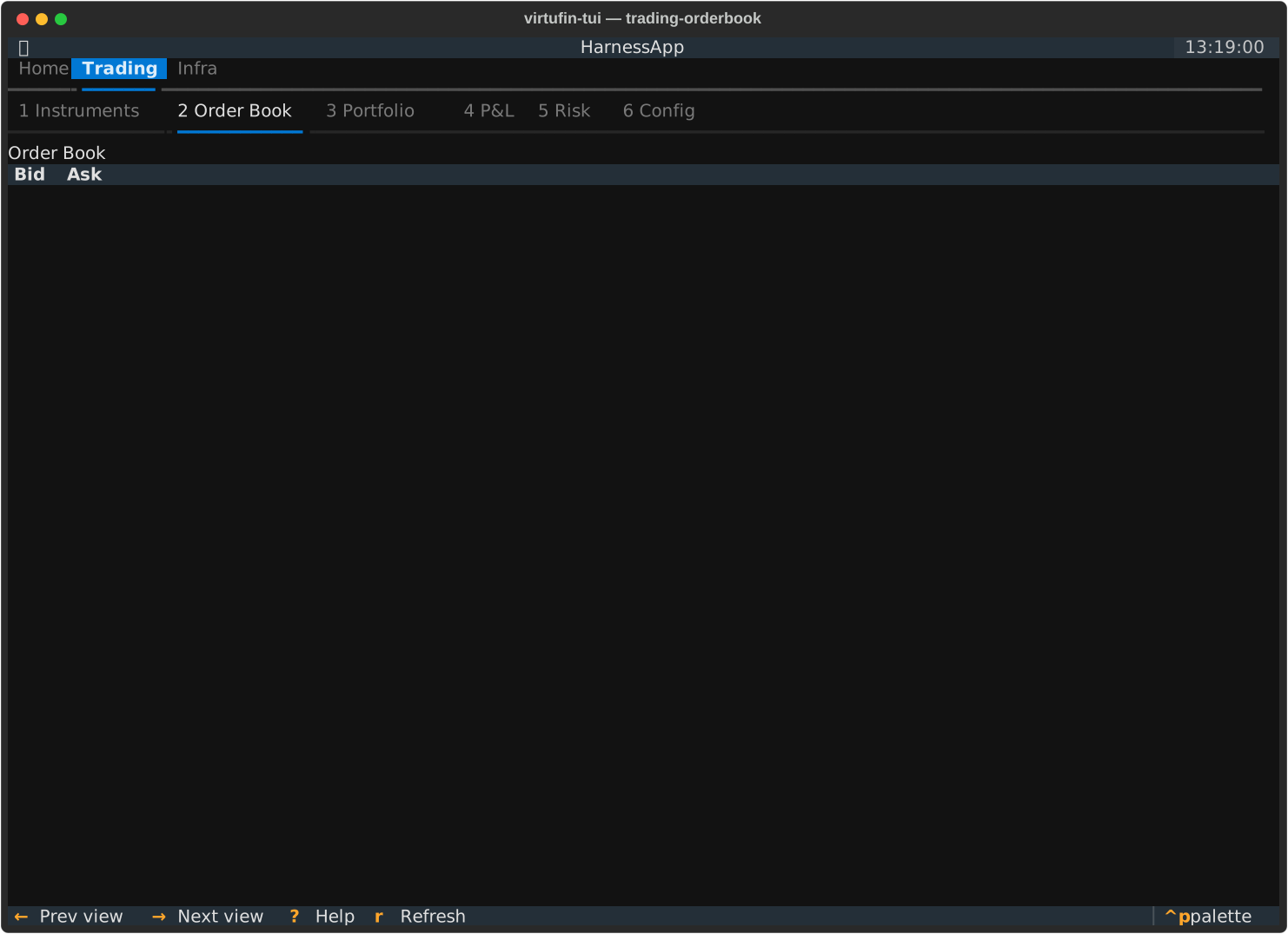
Trading
Order Book
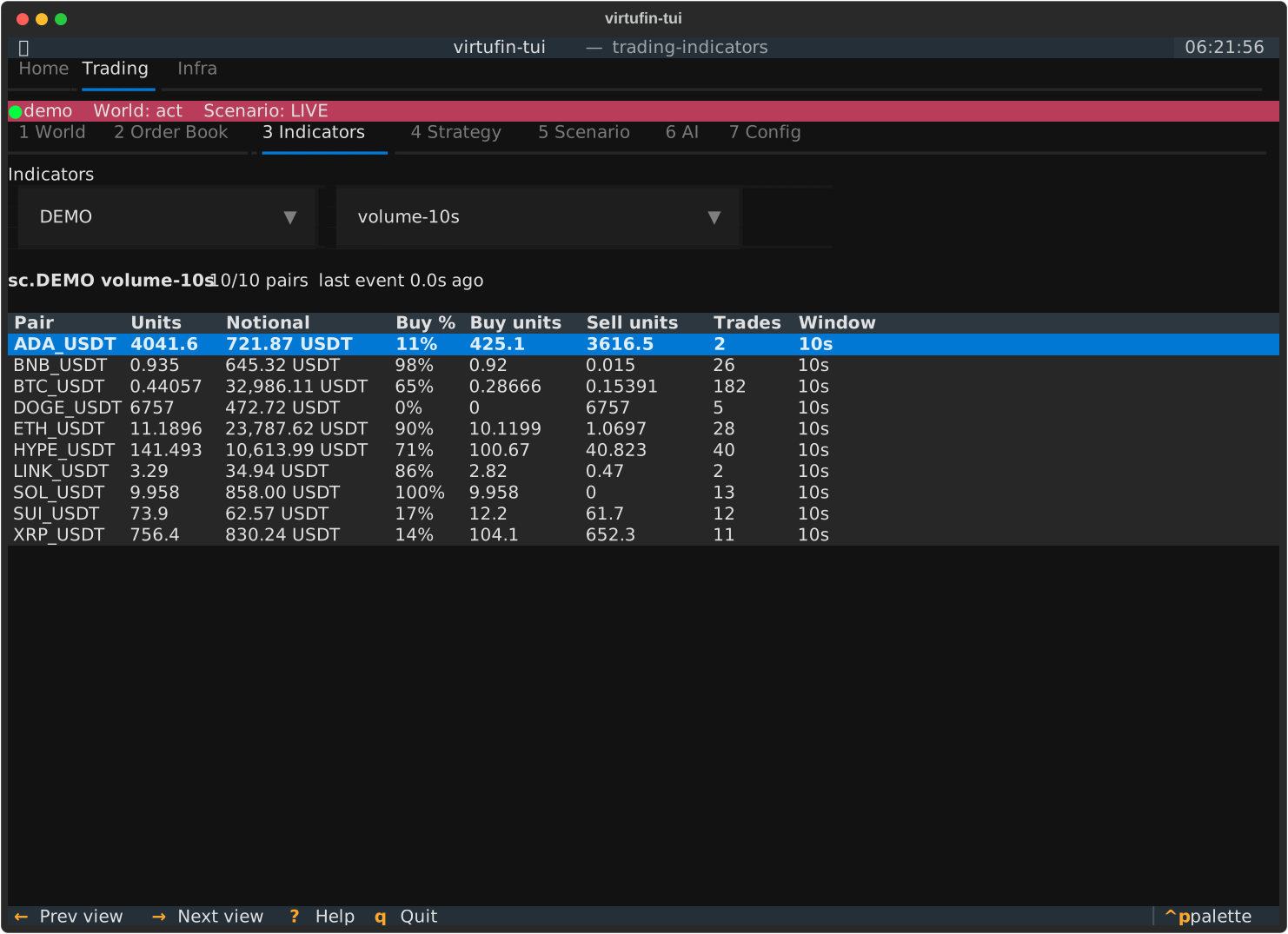
Indicators
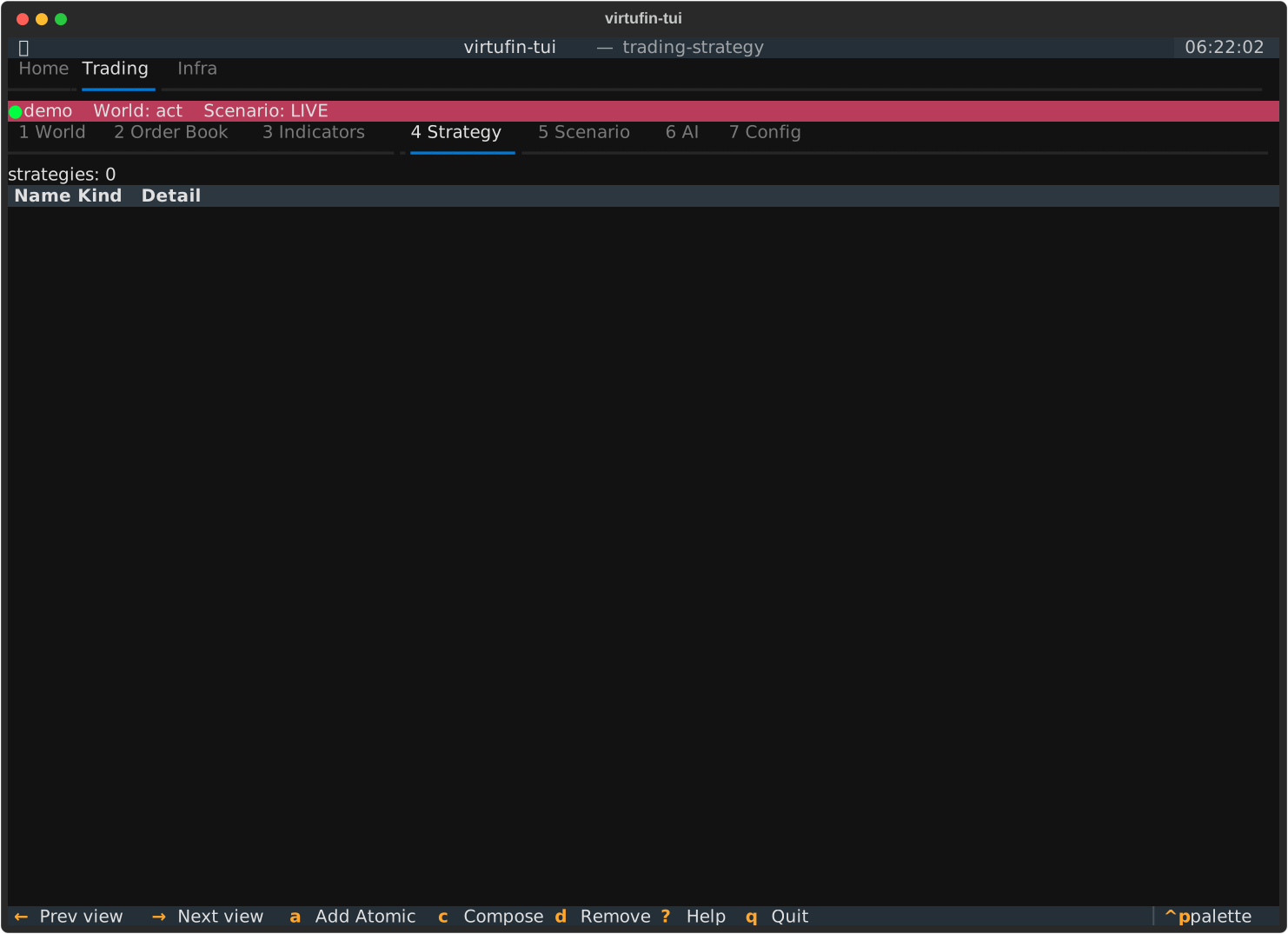
Strategy
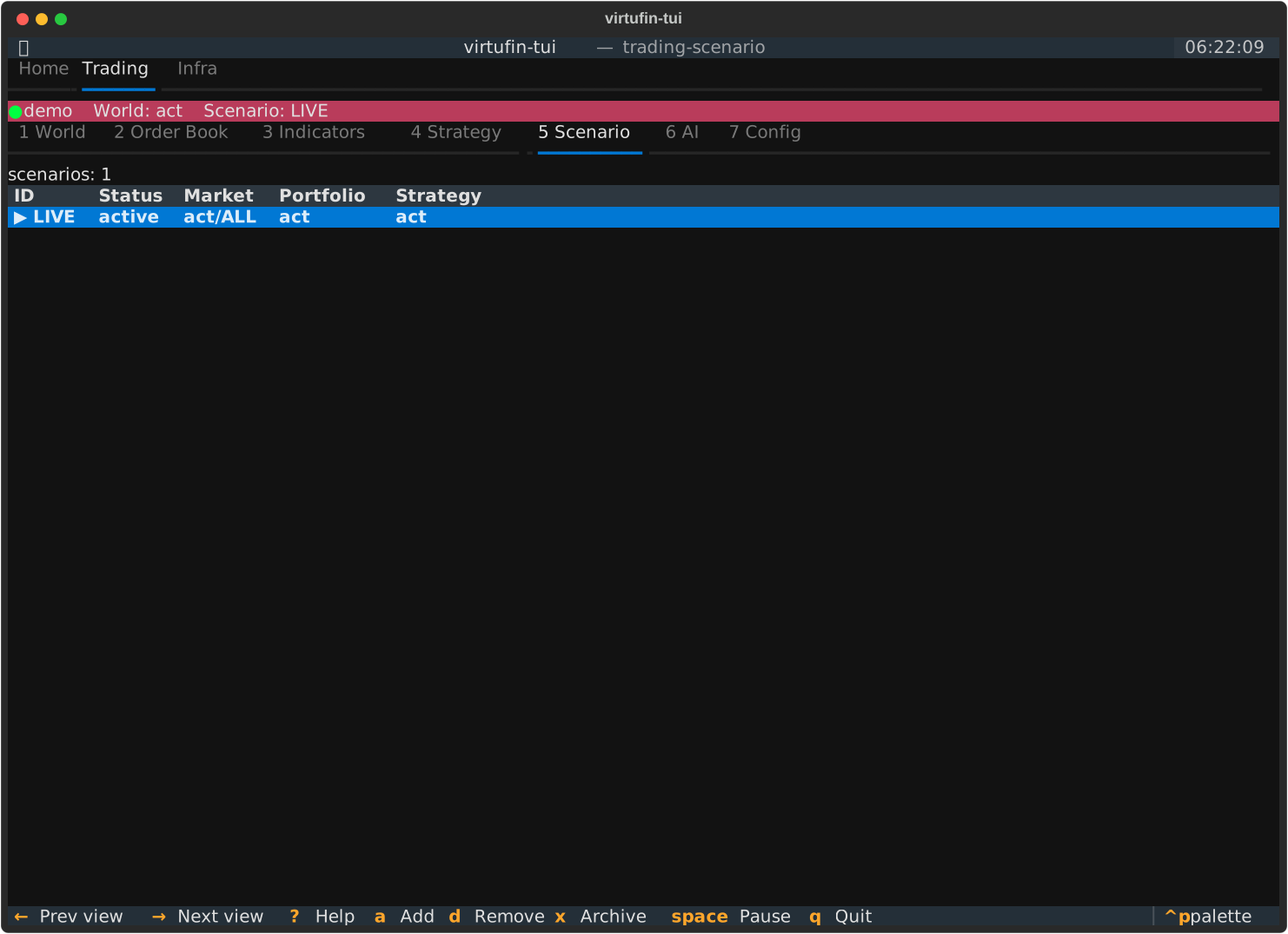
Scenario
Infra
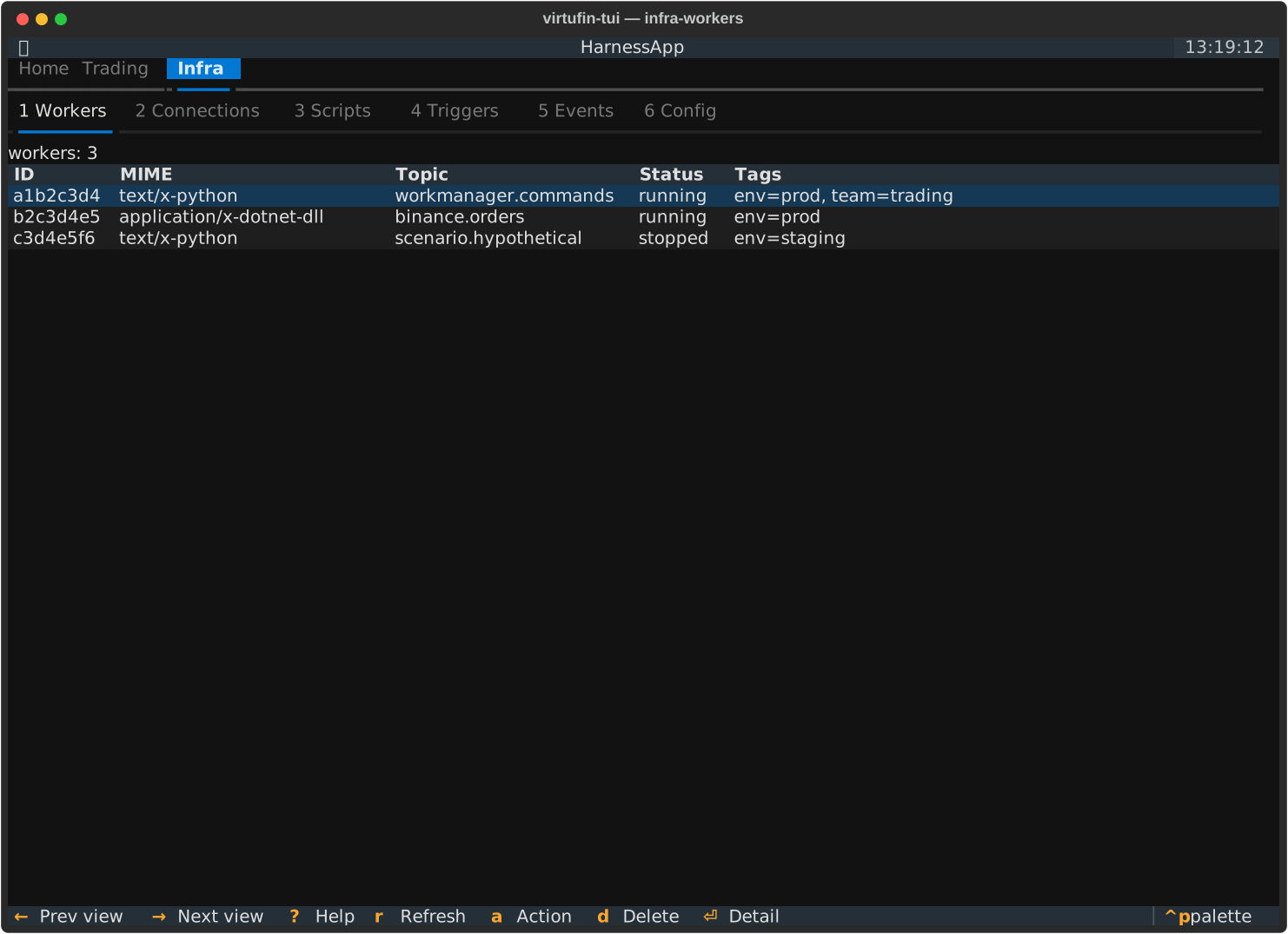
Workers
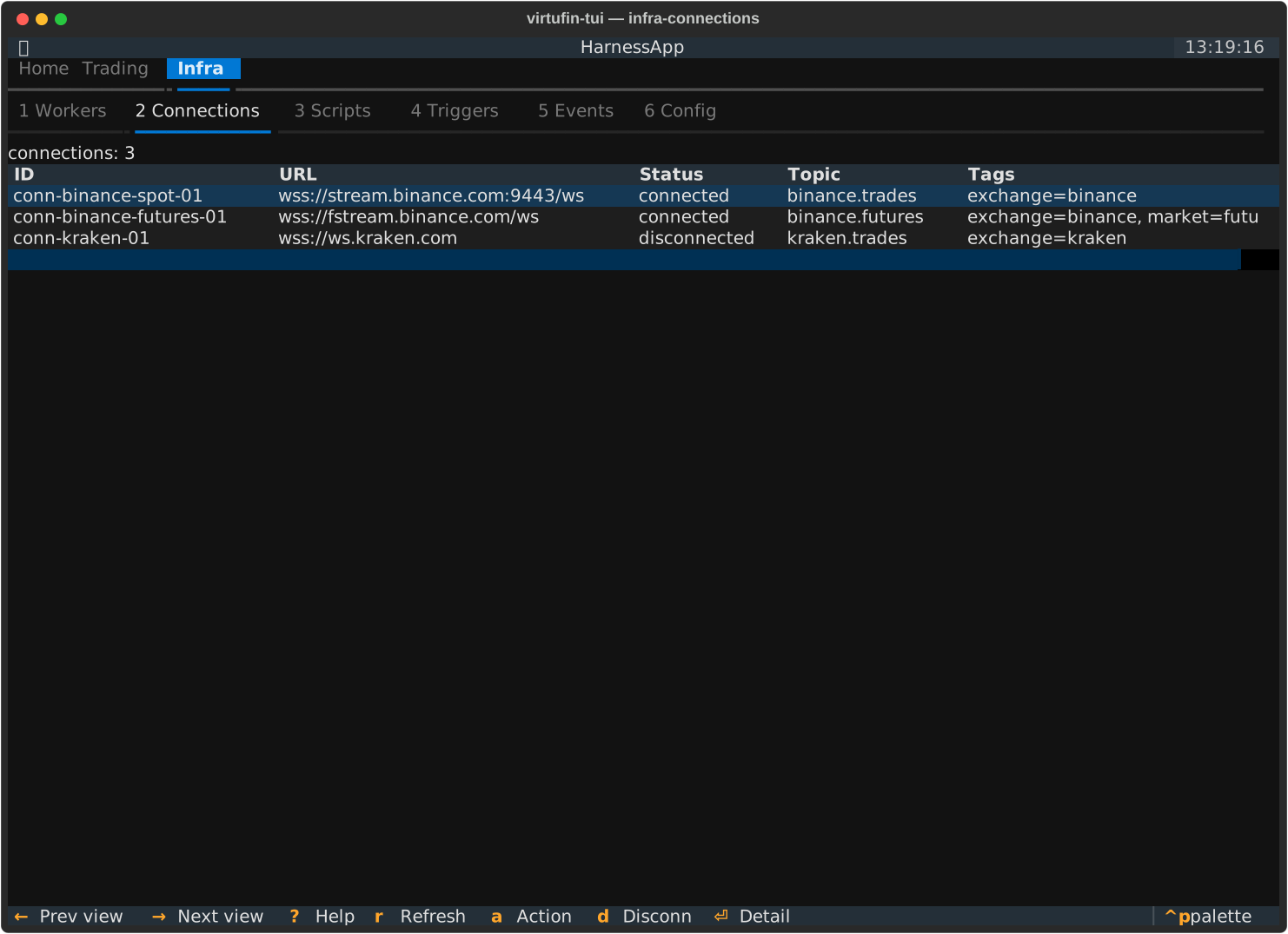
Connections
Triggers
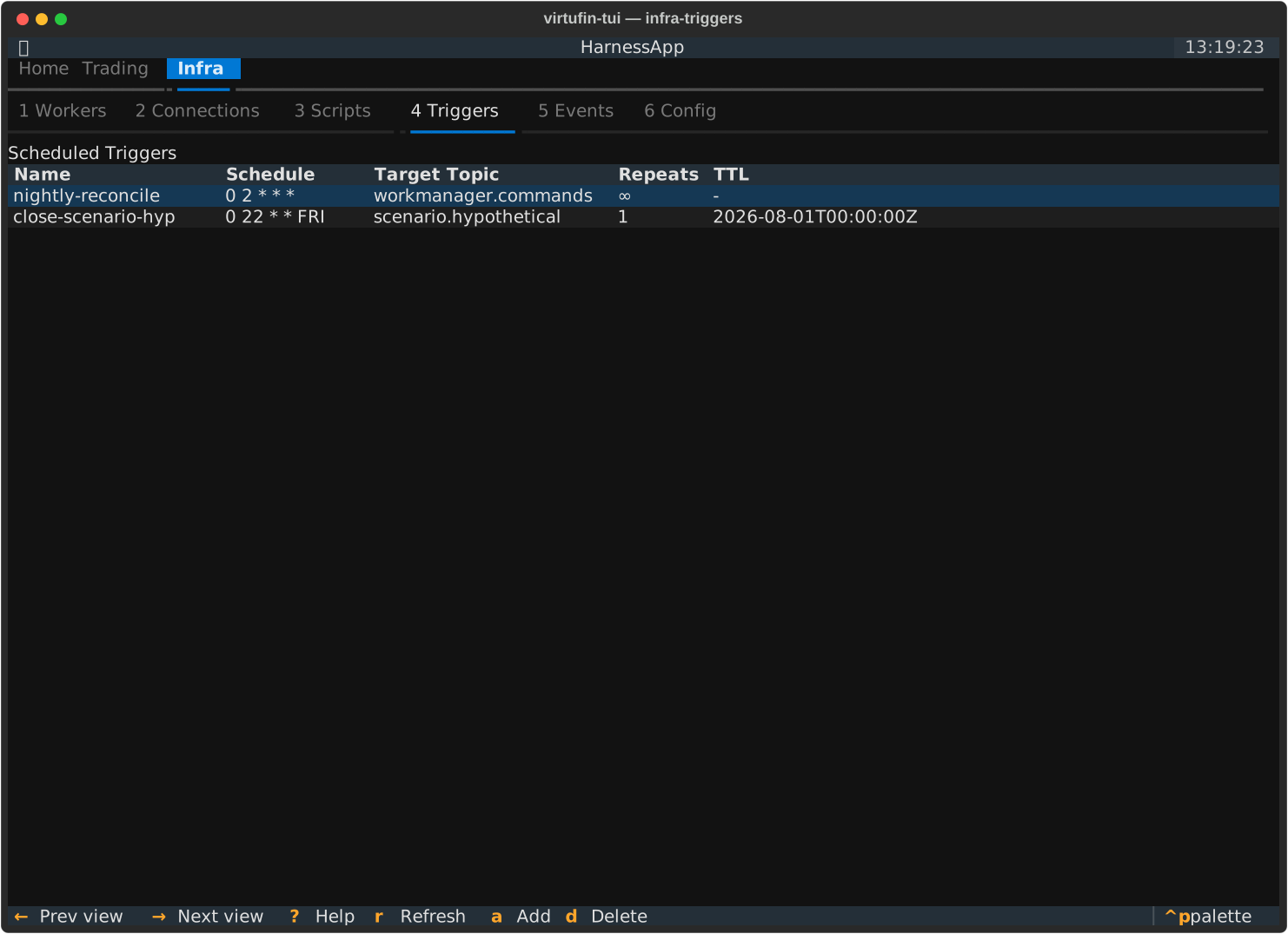
States
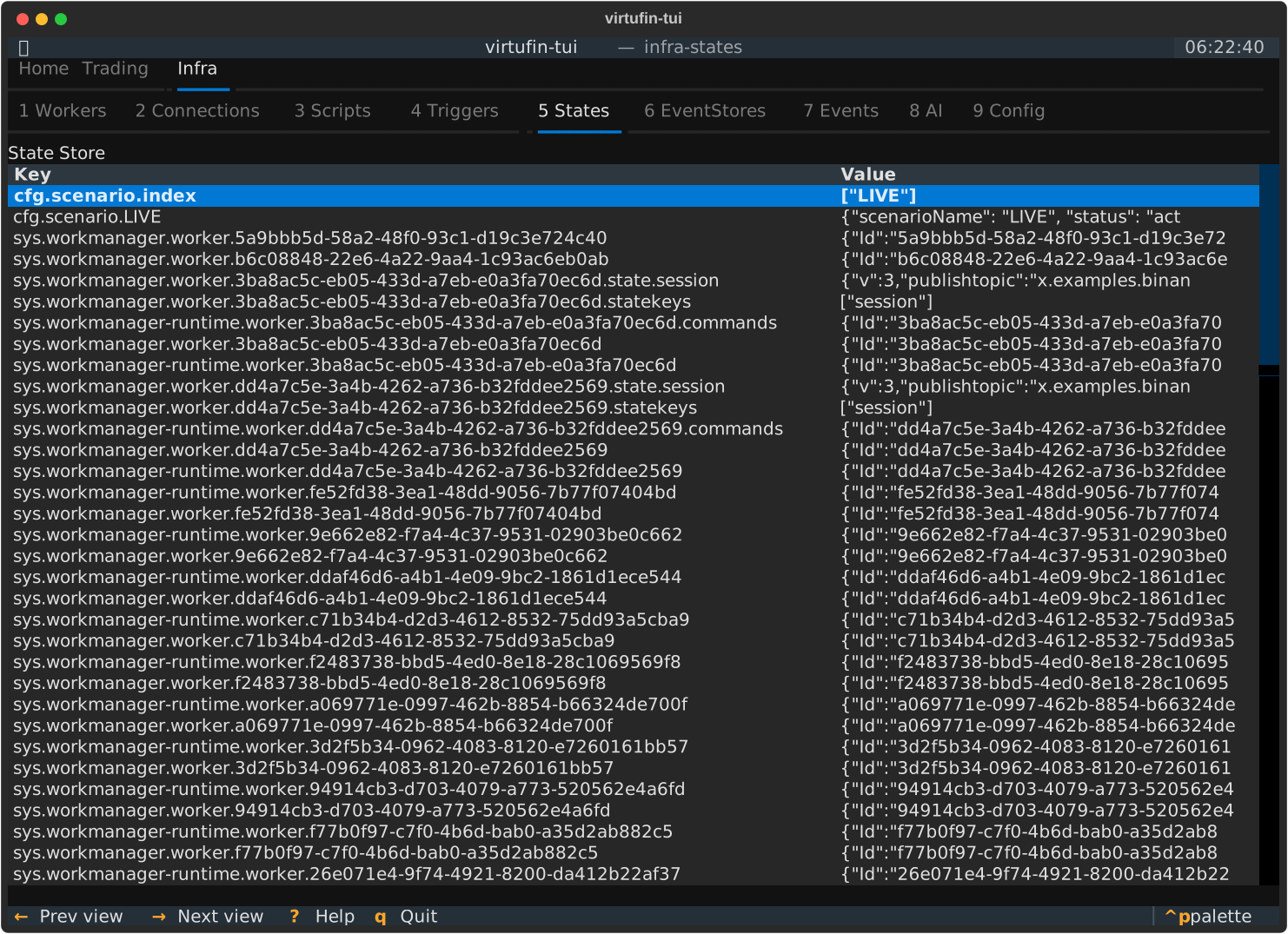
EventStores
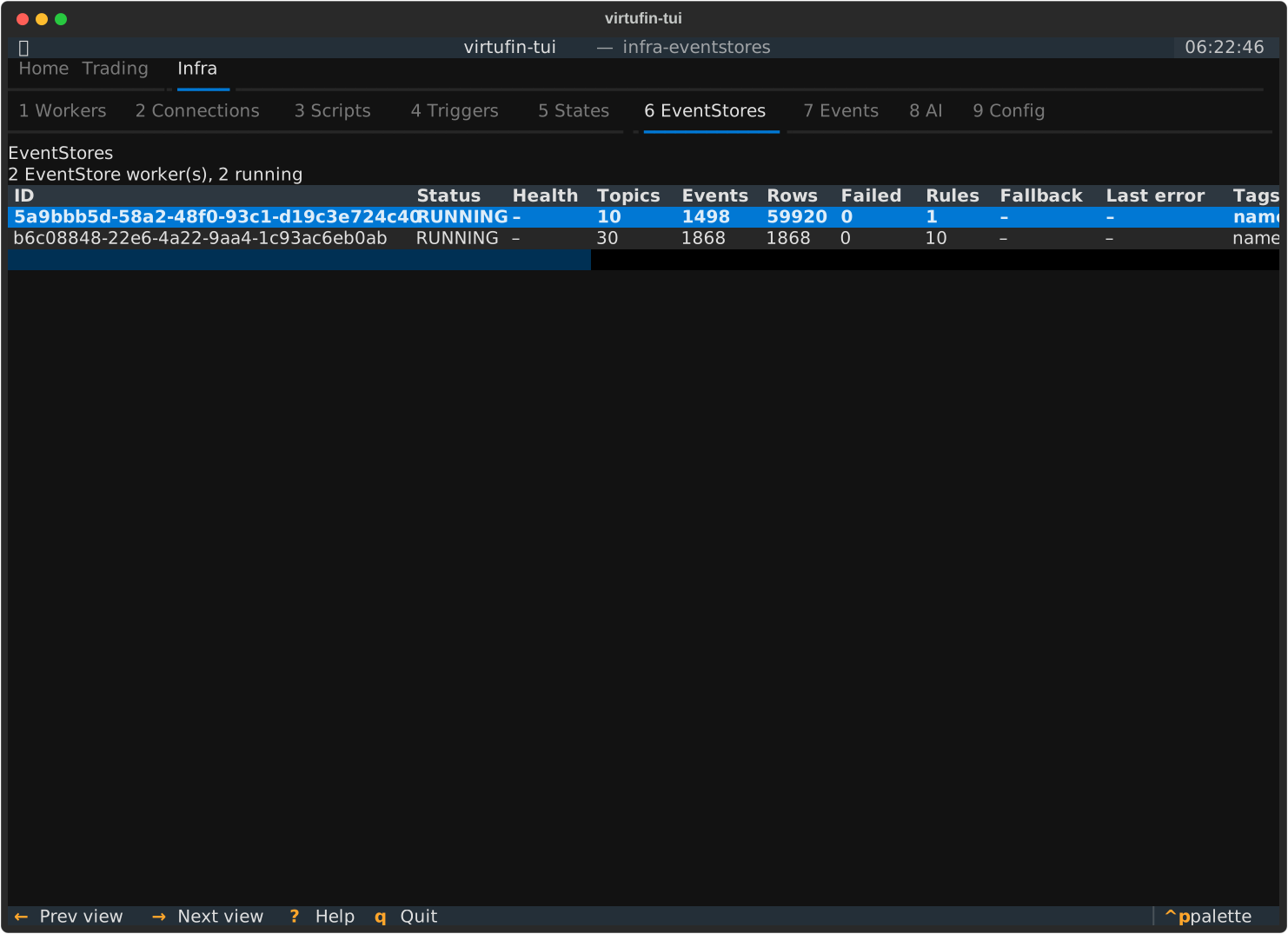
Events
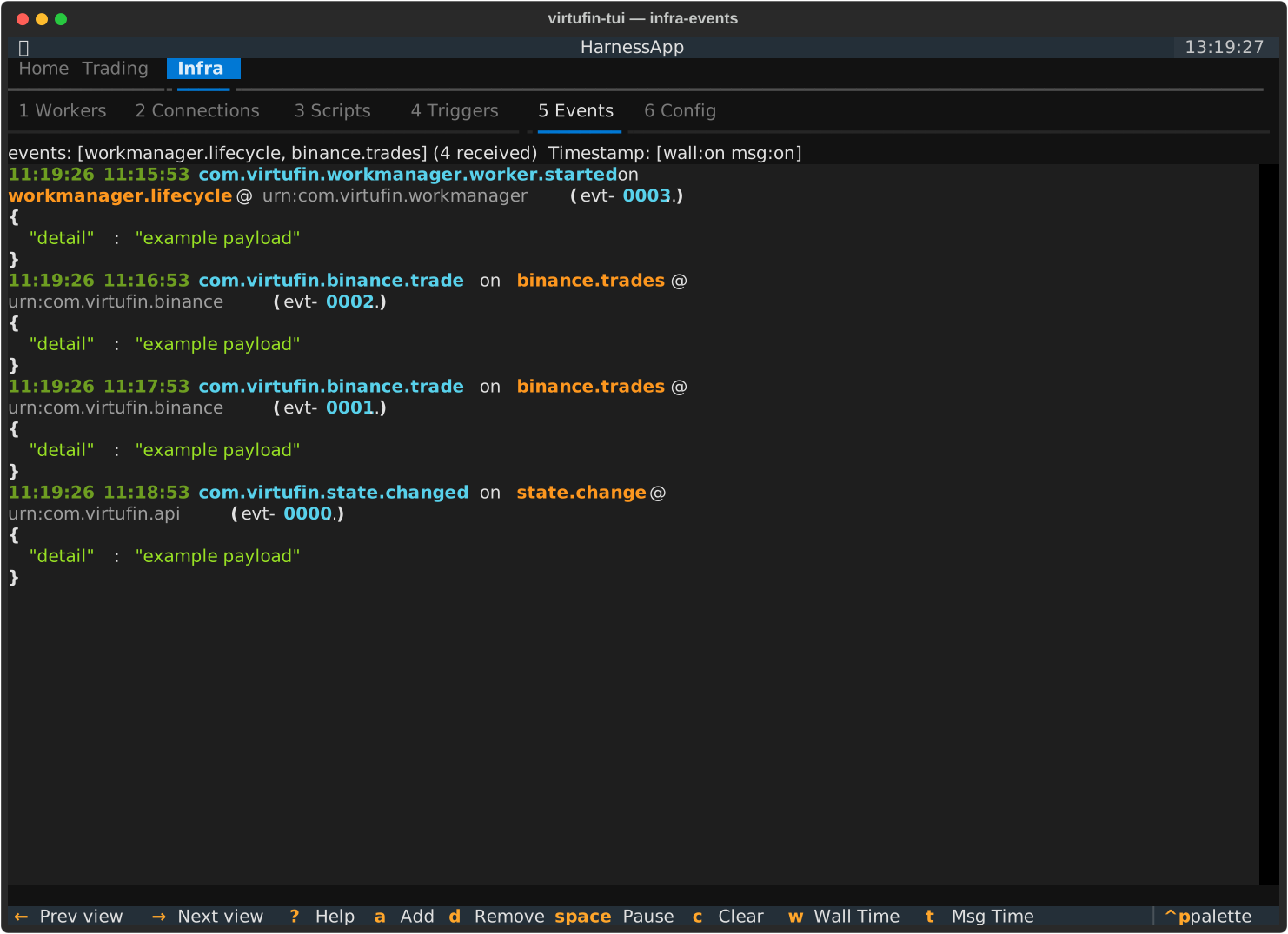
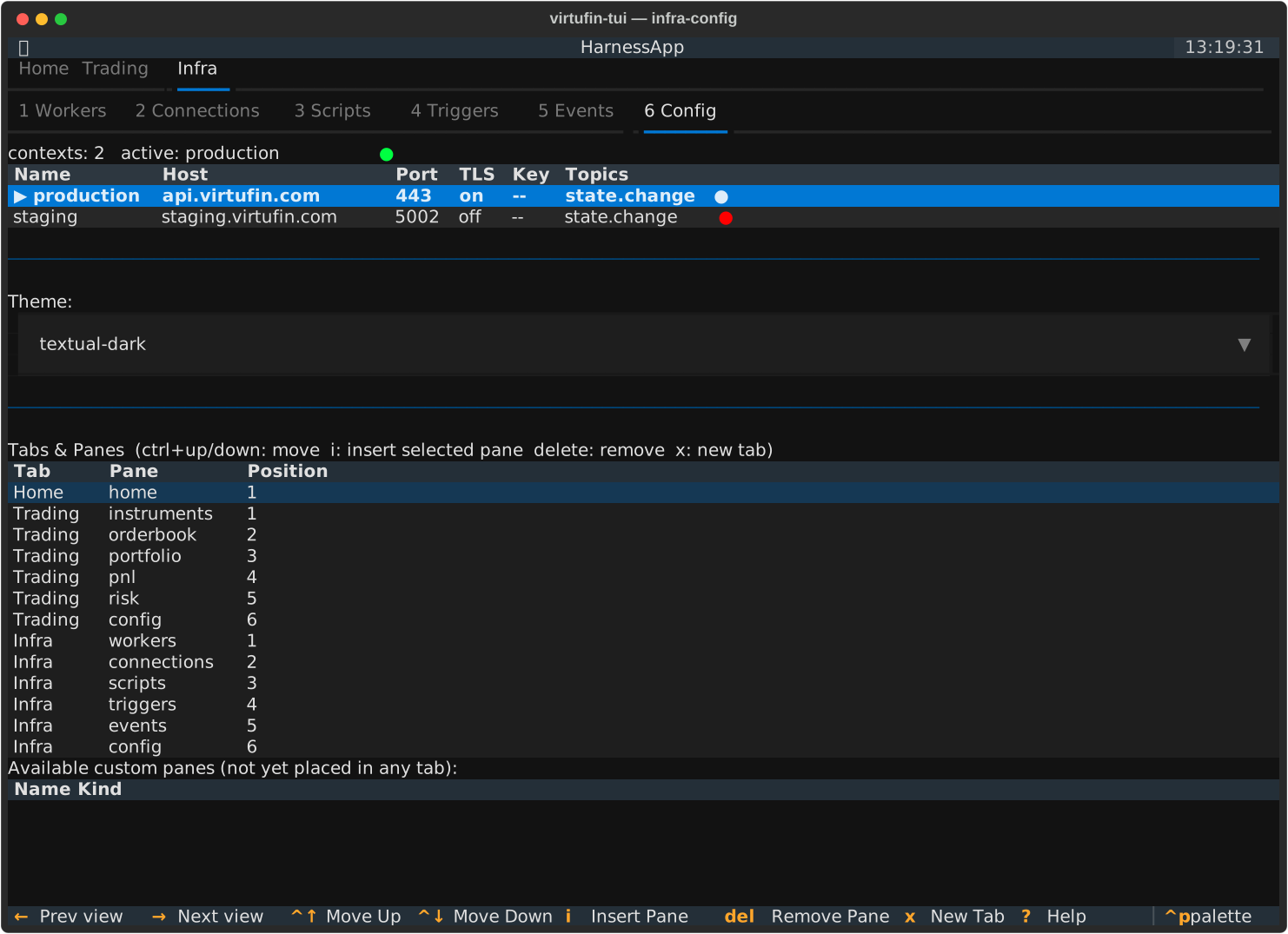
Config
The default Config tab holds Pages, Navigation, Scripts and AI.
Navigation (contexts and your navigation)
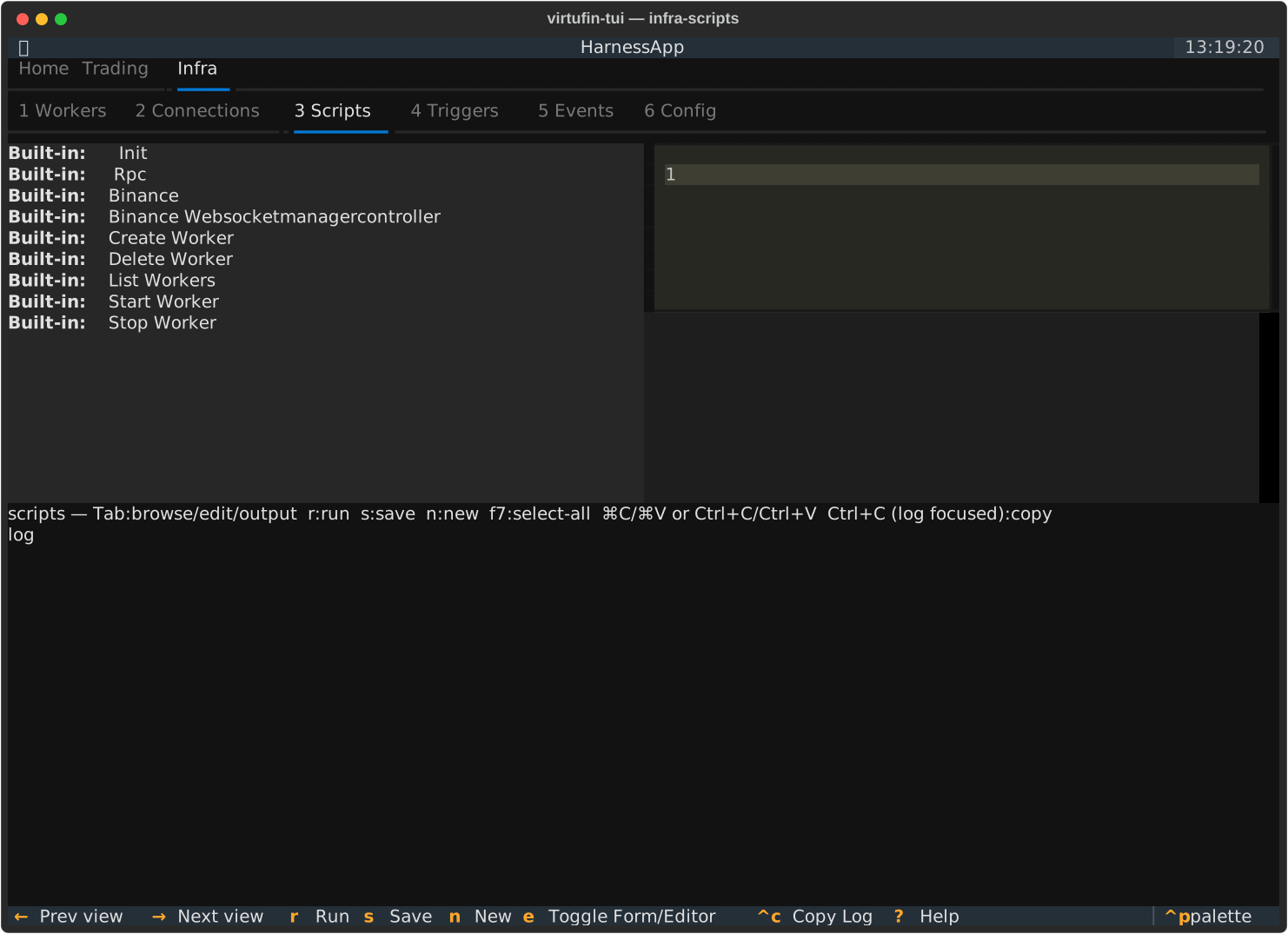
Scripts
AI